A Payment PIN is required to authorize payments using your KALEOZ account balance. Setting up a Payment PIN helps you complete payments securely and protects your funds against unauthorized use. For enhanced security, we recommend changing your Payment PIN regularly.
Follow the steps below to set up your Payment PIN:
-
Go to the Set Payment PIN page.
-
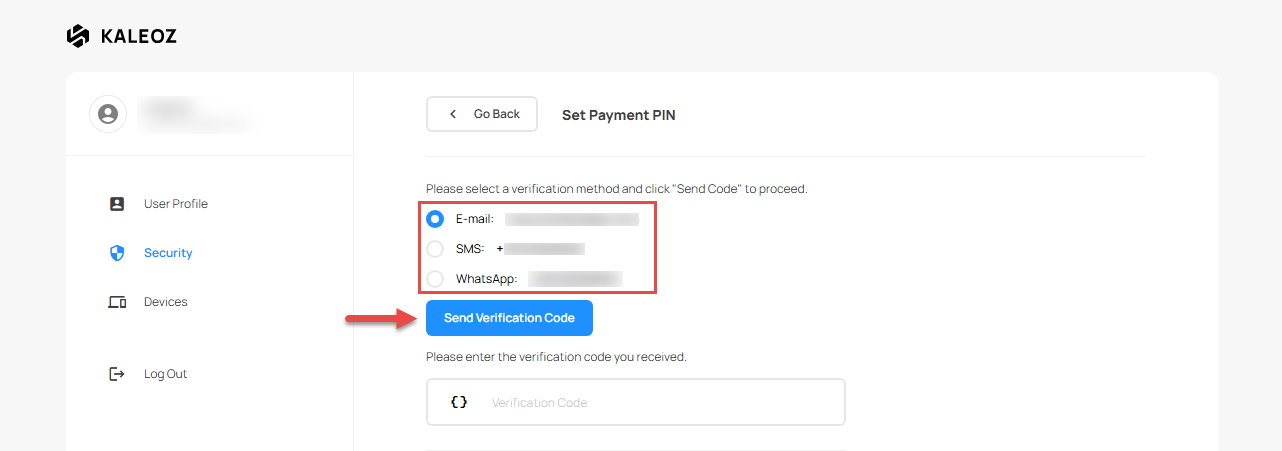
Select your preferred verification method, then click Send Verification Code.
-
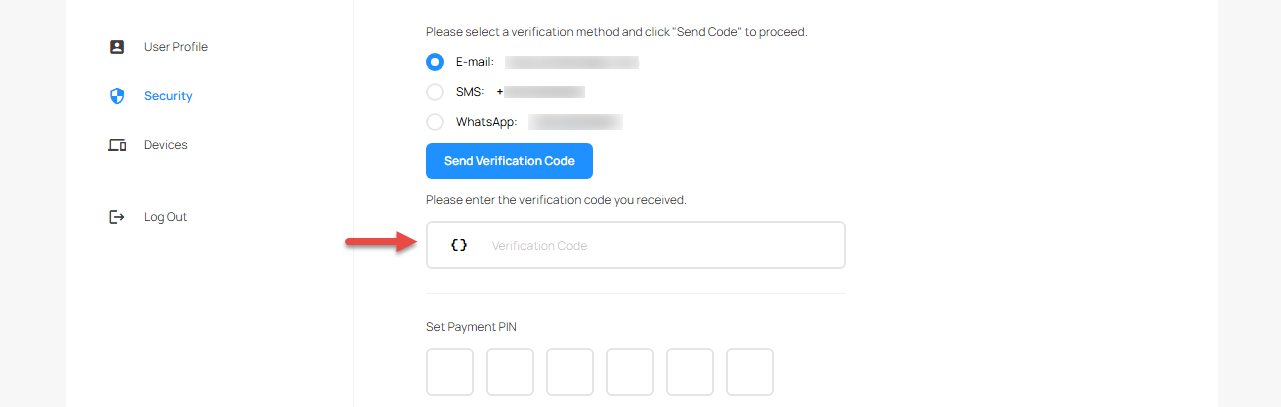
Enter the verification code you received.
-
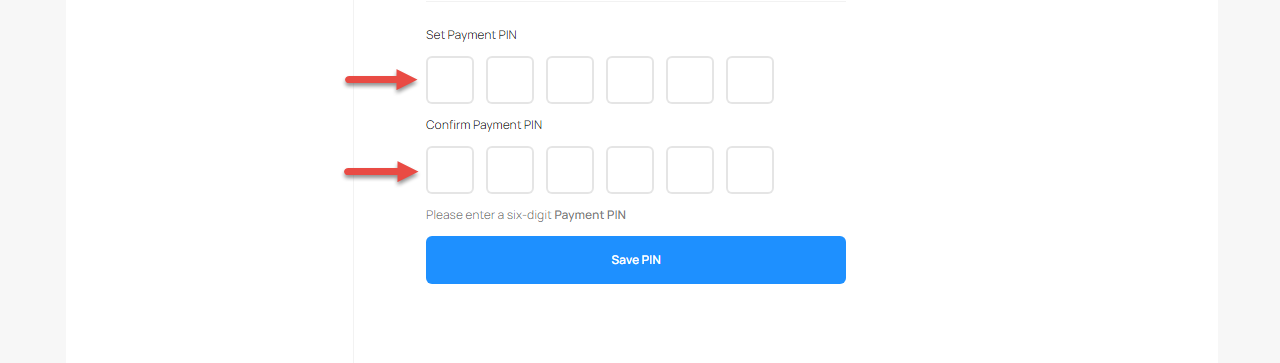
Enter a 6-digit Payment PIN, then re-enter it to confirm.
-
Click Save PIN to complete the setup.

Need help setting up your Payment PIN? Contact KALEOZ Support for assistance.