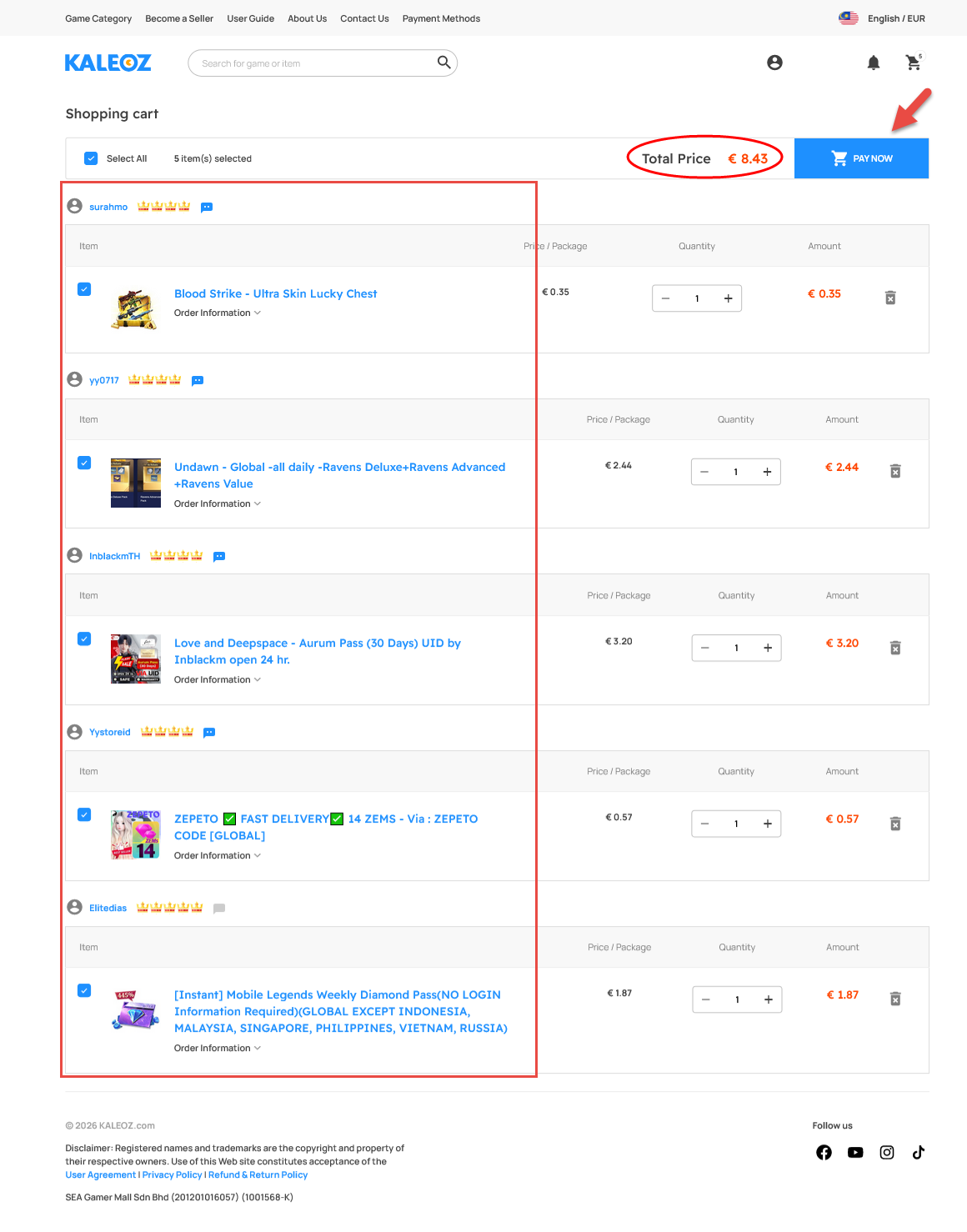
In KALEOZ, users can place orders from multiple sellers by adding products to their shopping cart and checking out in a single payment. A maximum of 5 orders can be added at one time. To add more than 5 orders, users may either remove an existing order or complete checkout for current orders before adding new ones.
Upon clicking "Checkout", the total price for all items in the shopping cart will be displayed.
Steps to Add Products and Checkout
-
Search for products from different sellers and add them to your shopping cart.
-
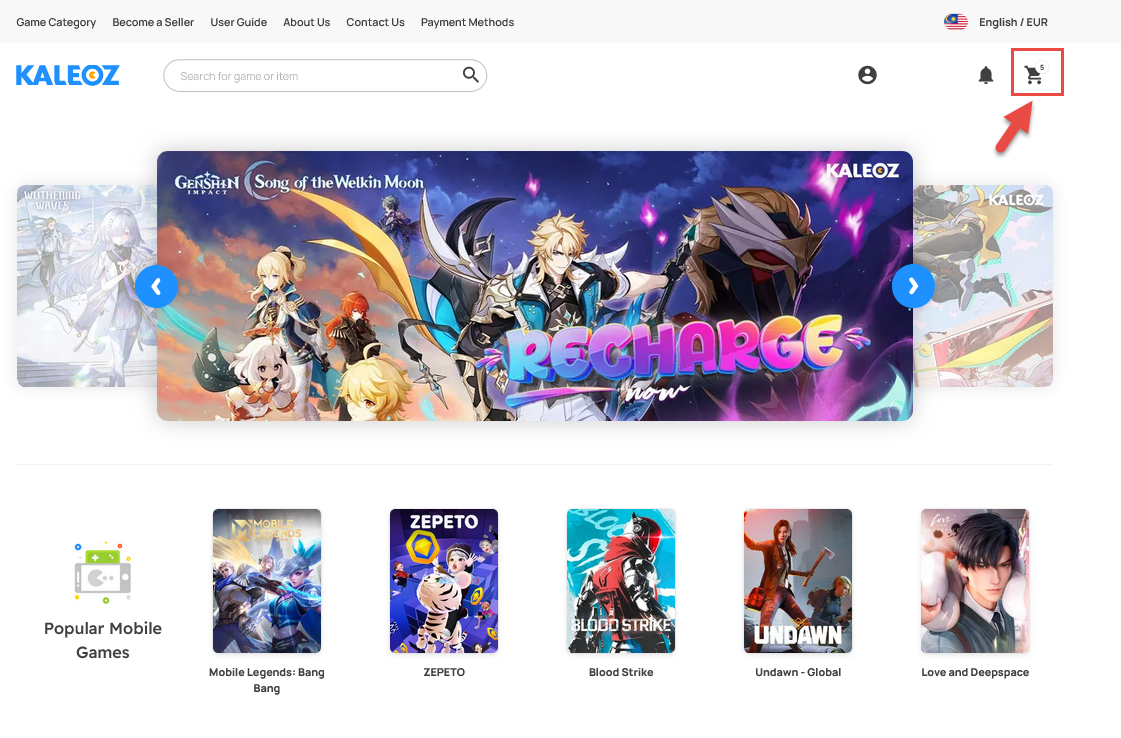
Click the shopping cart icon next to the notification icon in the top-right corner to review all products added from multiple sellers.
-
You can view the total cost of all items before making payment. Once you have confirmed that the products from multiple sellers are correct, you may proceed to checkout and complete your payment.
If you have any questions or need assistance, please contact our friendly KALEOZ Customer Support team. We'll be more than happy to assist you!