Two-Factor Authentication (2FA) is an additional security feature designed to protect your Seller Portal account from unauthorized access. When logging in, you will need to enter your email address and password, followed by a verification code generated by an authenticator app, such as Google Authenticator or Authy.
How to Enable Login 2FA
-
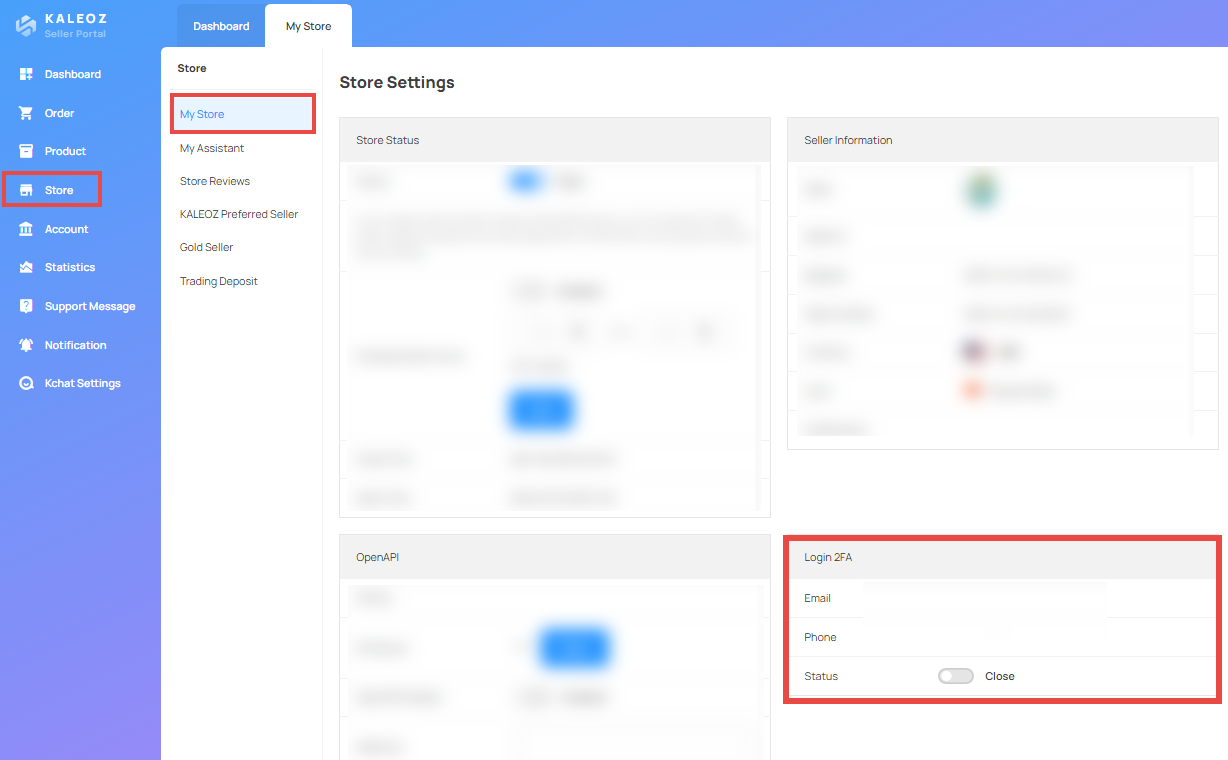
Log in to Seller Portal, navigate to My Store, and locate Login 2FA.
-
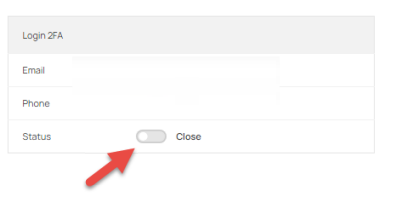
Toggle the switch to "Open" to enable Login 2FA.
-
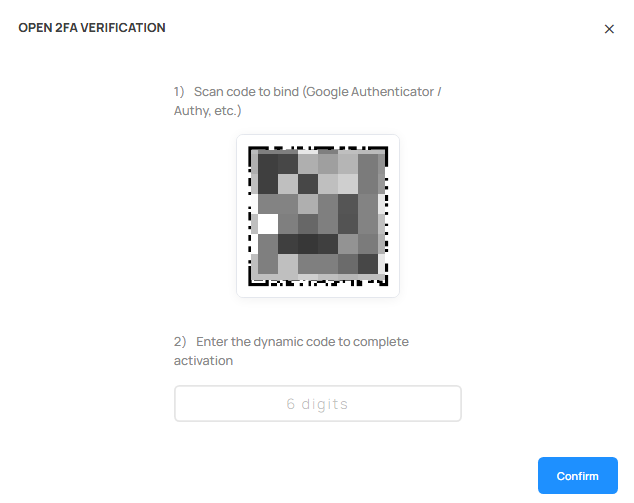
A QR code will appear on the screen. Open your authenticator app and scan the QR code. Enter the verification code generated by the app in Seller Portal to complete the activation.
If you have any questions, please contact our Kaleoz Support team.