KALEOZ user could change their account language based on their preference.
Here are the steps for changing your account language.
-
Log in to your KALEOZ account.
-
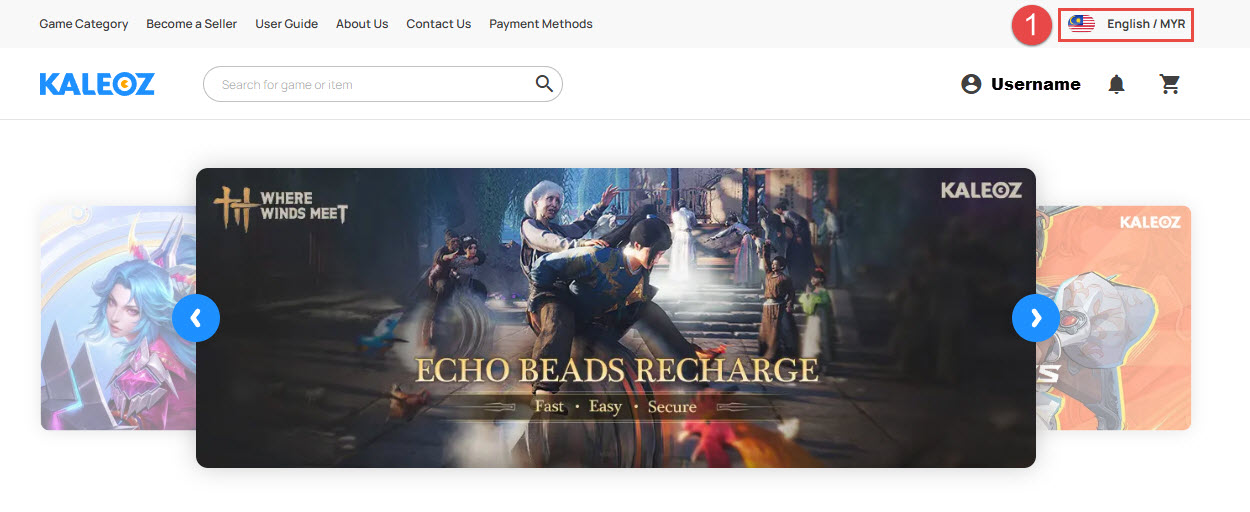
Click on your Country/Region option on top left of the page.
-
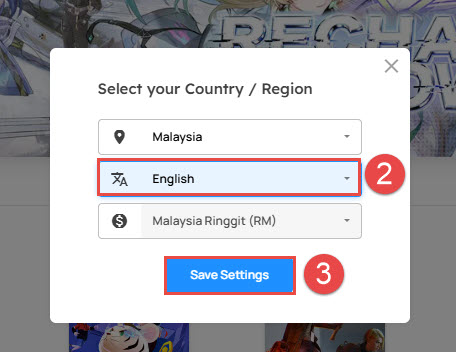
A small pop-up window will appeared. Select the desired language, then click "Save Settings".
If you have any questions, please contact our Customer Support team.