How do I use the Close Store feature?
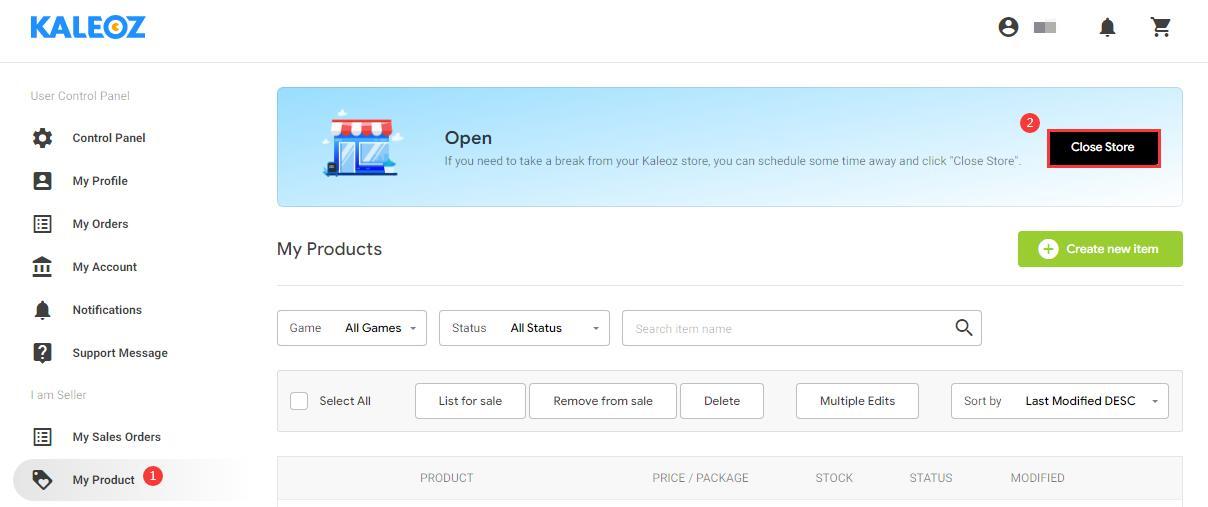
Step 1: Log in to your KALEOZ account and go to "My Product".
Step 2: Click the "Close Store" button to close your store temporarily.
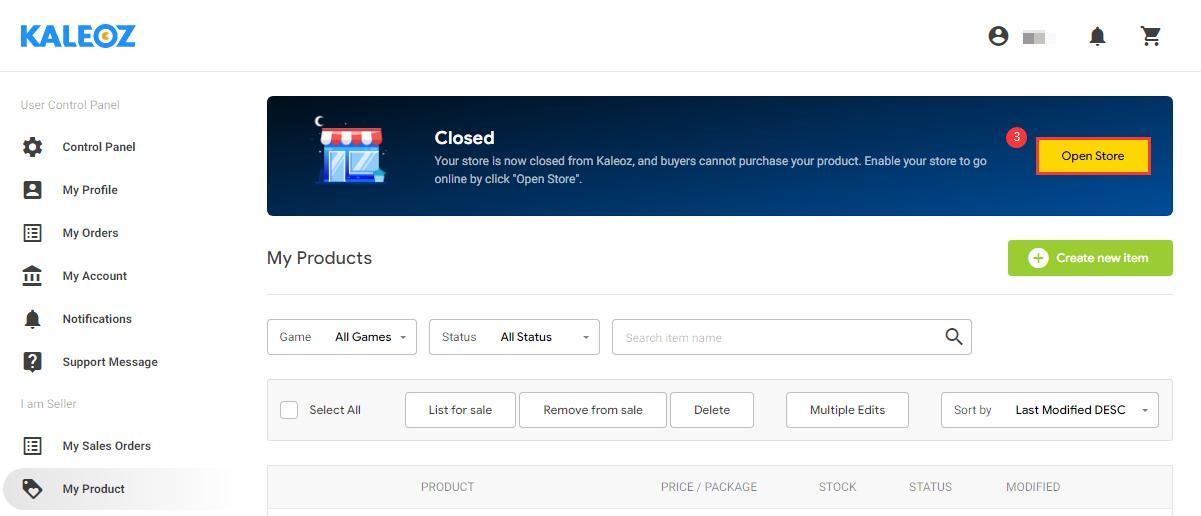
Step 3: Resume your business by clicking the "Open Store" button at any time you want.