VietQR enables fast, direct bank-to-bank QR transfers across participating Vietnamese banking and e-wallet apps, making checkout quick and convenient with pre-filled payment details.
How to Pay Using VietQR (VND)
-
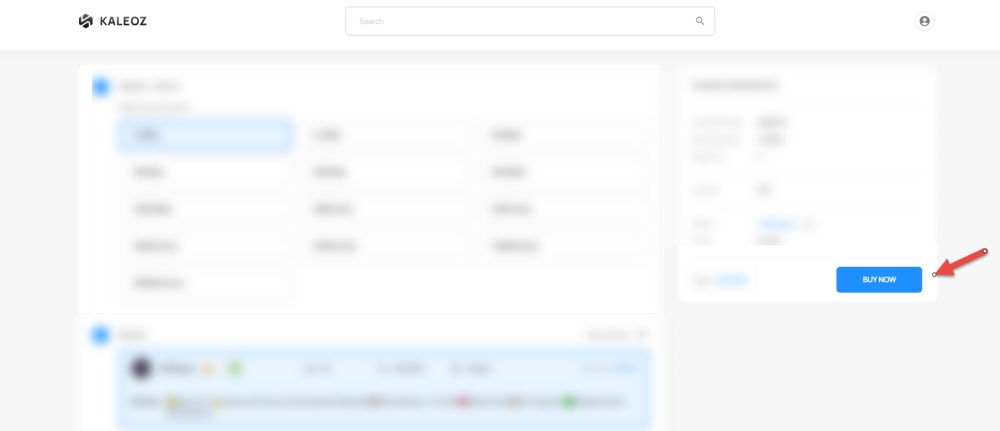
Select your desired item, choose your preferred seller, enter the required details (such as your UID), and click 'Buy Now'.
-
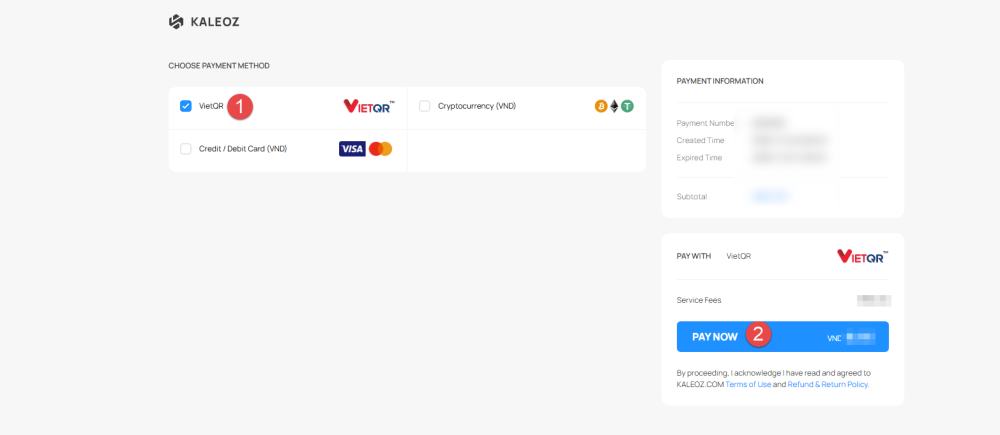
On the checkout page, select VietQR and click 'Pay Now' to generate your QR code.
-
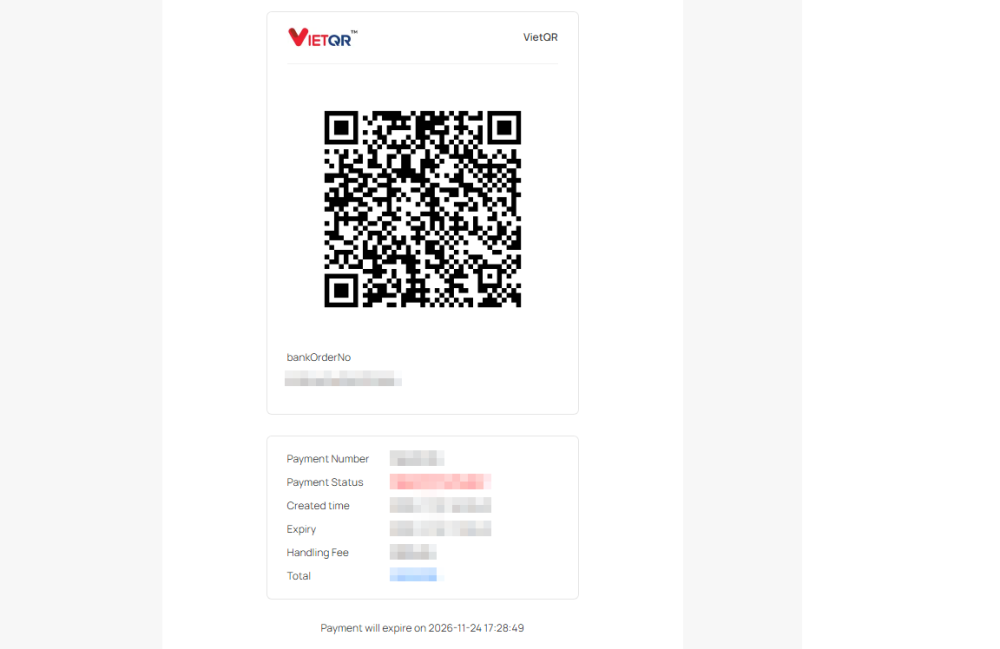
Open your Vietnamese banking or e-wallet app, scan or upload the displayed VietQR code, verify the pre-filled VND payment details, and confirm the transaction.
-
After the payment is completed, return to KALEOZ (or wait for automatic redirection). You may contact the seller to deliver your order and check your order status under the KALEOZ profile "My Orders" section.
If you have any questions, please contact the KALEOZ Customer Support team.