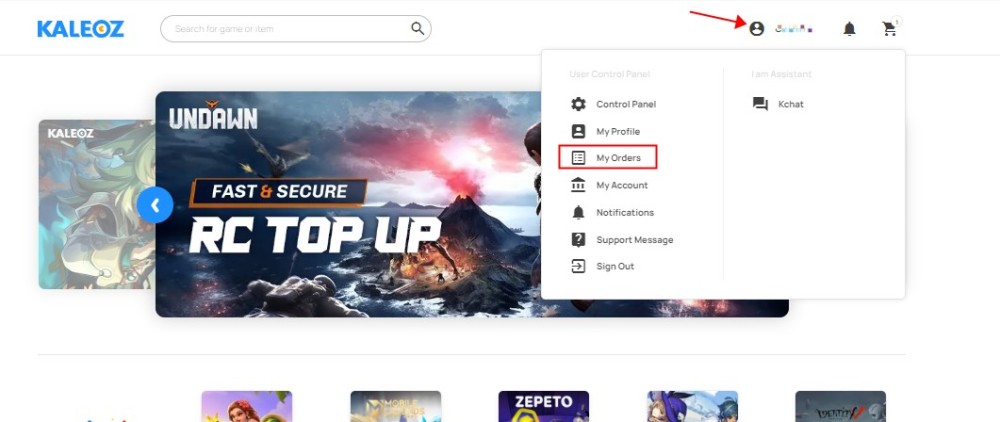
Step 1: Sign in to the KALEOZ account. Then, click "My Orders" to browse all the created orders.
Step 2: Check the Payment Number at the top left of the list which starts with PXXXXXXXX.

Note: Kindly contact our KALEOZ Support via Kchat for further assistance.