Staying updated on the latest game top-ups is essential for every gamer. KALEOZ frequently adds new options, but locating them quickly can be challenging. This guide provides simple and clear steps to help you find the most recently added game top-ups with ease.
-
Go to the official KALEOZ website.
-
Scroll down the homepage until you reach the section labeled 'New Games'.
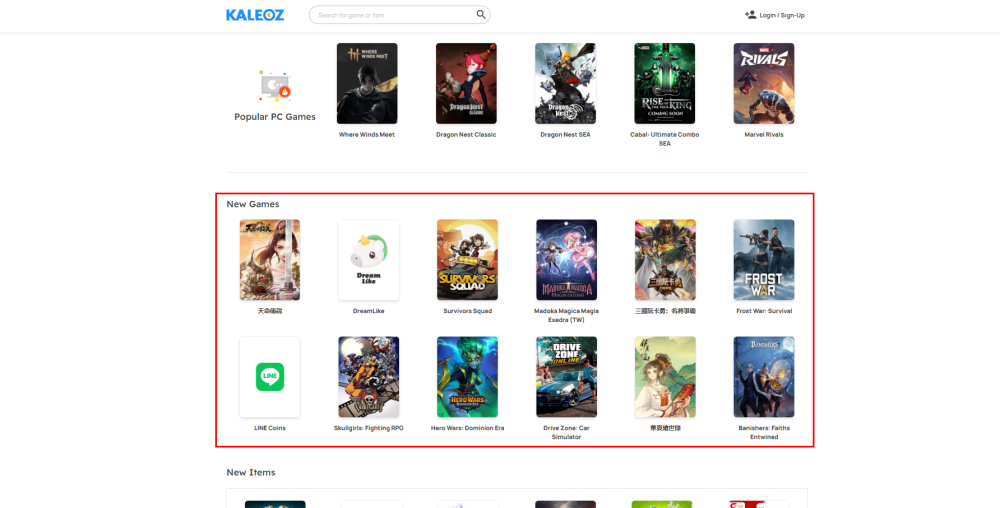
-
Click on the game you are interested in to open its product page and view all available listings.
Note: We recommend checking this section regularly as our catalog is updated frequently. If you cannot find a specific game, you can also use the search bar at the top of the page to check for its availability.
If you have any questions, please contact our Customer Support team.